Automatic meeting minutes, straight from the call
After the meeting, someone writes the minutes. Usually the same person, usually too late, and some decisions are missing. In KlangCity, meeting minutes are written automatically from the video call: if you agree, our speech recognition on our own server transcribes what you say, the AI sums it up and the raw transcript is deleted afterwards.
The problem with minutes
Minutes matter, and still nobody likes them. Whoever takes notes can’t really join the discussion. Whoever doesn’t take notes remembers it differently a week later. And what was decided in the meeting often never makes it onto the board as a task.
KlangCity takes the writing off your hands and connects the minutes to your work.
How the minutes are written
- You meet in a video call in KlangCity. Group calls and all-hands meetings run on our own server. How the calls work is on the page Chat and calls.
- Our own speech recognition transcribes, only with consent. Before the call, each person decides for themselves whether their microphone is transcribed; the switch is off by default. The owner can switch off transcripts for the whole organisation. KlangCity uses its own Whisper instance on its own servers for this, and the audio never leaves them.
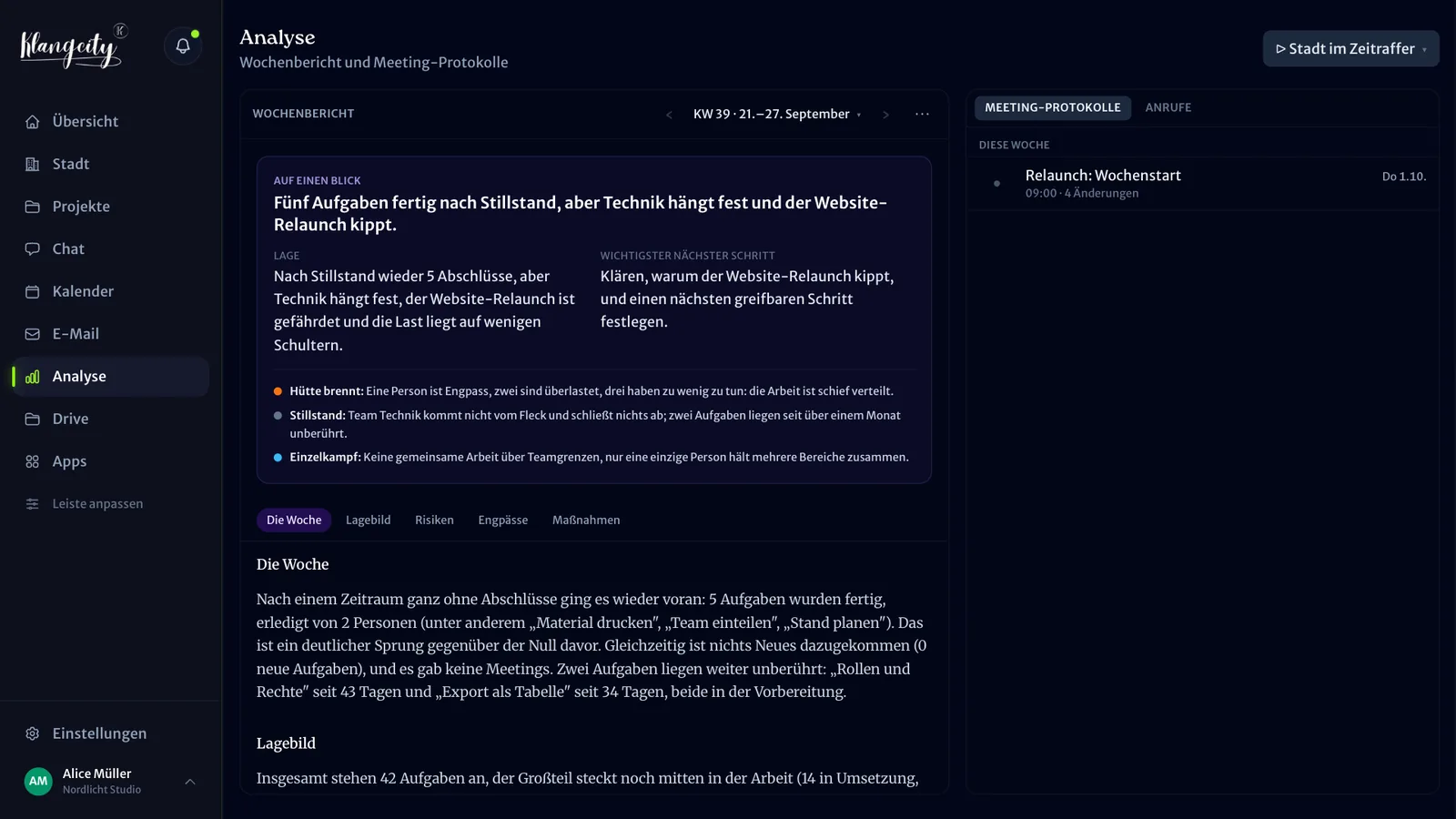
- After the meeting, the AI writes the minutes. The transcript becomes a structured summary. You’ll find it under “Analysis”.
- The raw transcript is deleted. Only the finished minutes remain.
What the minutes contain
The minutes start with a summary of the conversation: the main topics, points of discussion and decisions made, as bullet points. Obvious speech recognition errors are smoothed out, and small talk is left out.
Then come the task changes from the meeting, sorted into “Created”, “Changed” and “Deleted”. So if you create or move a task on the Kanban board during the call, it appears in the minutes. That way everyone can see afterwards what the meeting actually led to.
Example organisation, no sign-up. Works on your phone too.
How good was the meeting? Effectiveness from 0 to 100
The analysis rates every meeting with a number between 0 and 100. Four things go into the rating: whether there were results, how the AI rates the summary, whether the meeting came to a conclusion and how broad the participation was. If one part is missing, for example because there was no conversation, it doesn’t count as zero but drops out of the calculation.
The number is not a report card for individual people. It helps you see which meetings achieve something and which go round in circles.
Before and after: agenda, sidebar, weekly report
Good minutes start before the meeting:
- Agenda vote beforehand: you settle what will be discussed before the meeting. Before group calls and all-hands meetings, the agenda arrives on your phone 48 hours ahead.
- Reminder and invitation: Klangi, the cat who guides you through KlangCity, reminds you of the appointment by direct message and invites you straight into the call when it starts.
- In the call: brainstorming in the sidebar, raising hands and drawing on the shared screen.
- Read out on request: in the call, Klangi reads out the minutes or the weekly report.
- Weekly report: every Monday a weekly report sums up the week, in its own channel.
AI meeting minutes and the GDPR: exactly what goes where
With automatic minutes, the most important question is: where do our conversations end up? So here it is in detail:
| Step | Where it happens |
|---|---|
| Video and audio of the call | Our own server (LiveKit) |
| Speech recognition | Our own Whisper instance; the audio never leaves our servers |
| Summary for the minutes | AI feature; text goes to Anthropic for this |
| Raw transcript | Deleted once the minutes are written |
| Finished minutes | In your KlangCity organisation, app server in Germany |
Every service that processes data outside the EU is listed in the data processing agreement, which is included. On top of that there is two-factor login, retention periods and a data export for each person and the whole organisation. So you can check for yourself whether AI meeting minutes meet your data protection requirements.
Which plan do I need?
Meeting minutes and the weekly report are included in every plan, including the free Basic plan for up to 5 people. The AI costs nothing extra. In Basic, the AI writes 4 meeting minutes a month. After that, the minutes are put together without AI from the task changes. From Pro, there is no limit. For calls: in Basic, group calls and all-hands meetings last up to 40 minutes, and from Pro there is no time limit. More on the pricing page.
Curious how this fits together with the rest? In the demo city you can see without signing up how KlangCity shows your work as a city.
Example organisation, no sign-up. Works on your phone too.
Frequently asked questions
How are the meeting minutes written automatically?
Our own speech recognition (Whisper) transcribes what the participants say who agreed before the call. After the meeting, the AI sums up the transcript as minutes, and the raw transcript is deleted. Anyone who doesn’t agree only appears in the minutes with the tasks they created or changed in the meeting.
Does the audio leave the servers?
No. Video calls and speech recognition run on our own server in Frankfurt am Main, and the audio never leaves it. For the summary, text goes to Anthropic; this is set out in the data processing agreement.
Do tasks from the meeting appear in the minutes?
Yes. Tasks that were created, changed or deleted during the meeting appear in the minutes, grouped.
Do AI meeting minutes cost extra?
No. Meeting minutes, the weekly report and the other AI features are included in every plan, including the free Basic plan. There the AI writes 4 meeting minutes a month, from Pro without a limit.
How long can meetings last?
In Basic, group calls and all-hands meetings last up to 40 minutes. From Pro there is no time limit.